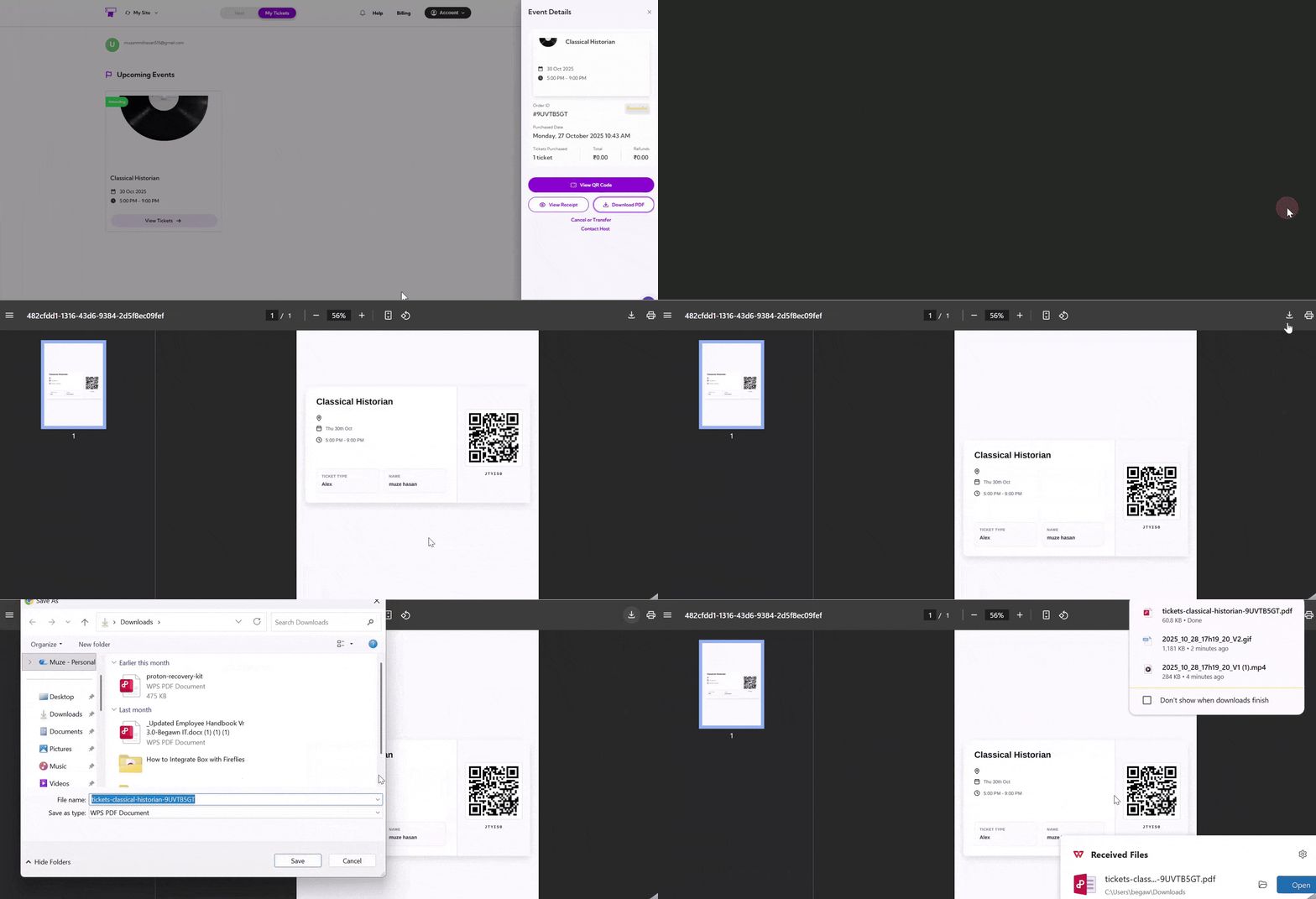
Navigation
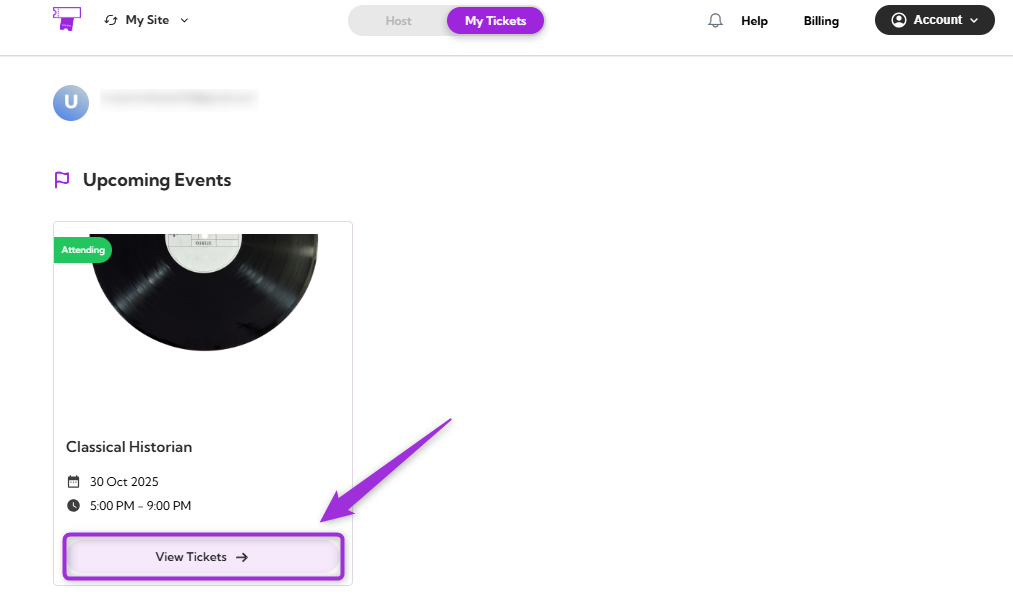
Step 1: Log in to your TicketSpot account and click on the My Tickets tab in the top navigation bar.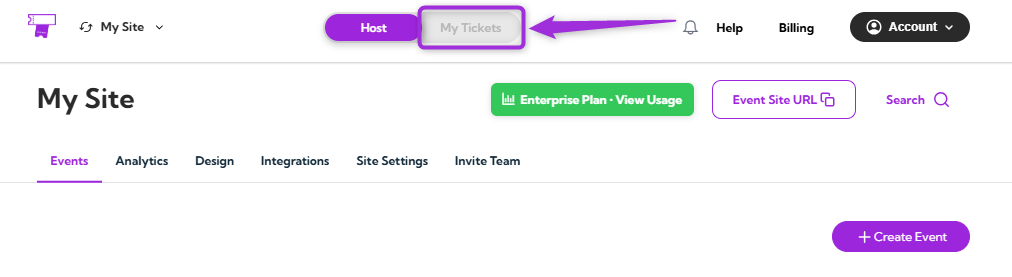
View Receipt
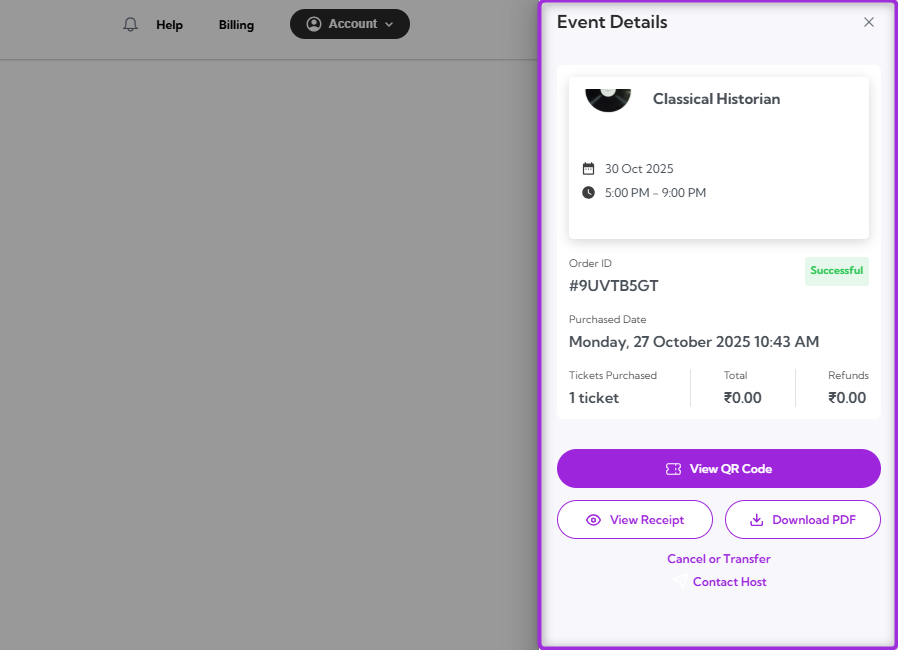
Click on the View Receipt to open your purchase receipt. This will display key details such as the event name, date, time, ticket holder’s name, order date, and payment summary.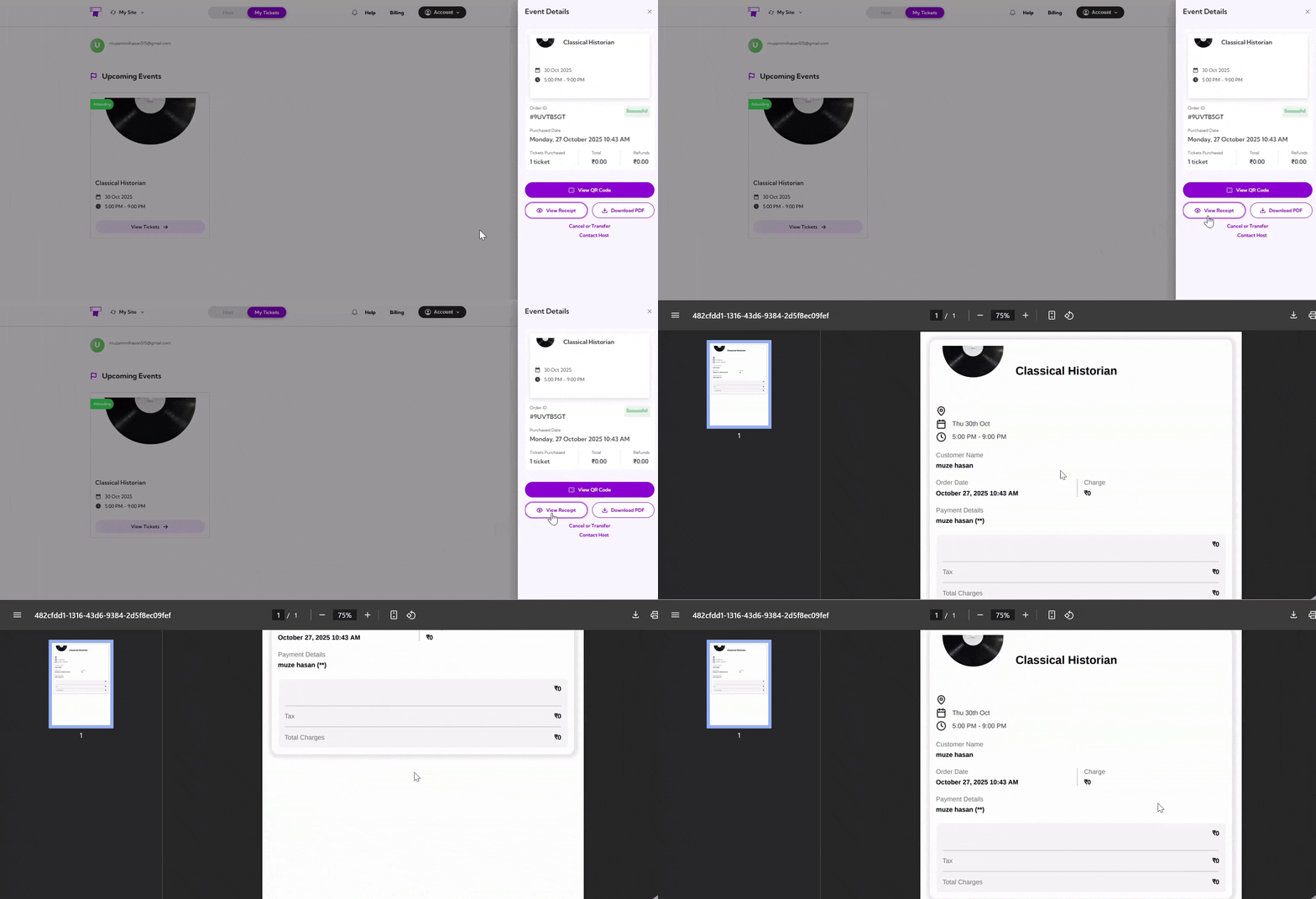
Download PDF
Click on the Download PDF to get a printable version of your event details. The PDF includes event details, ticket holder information, and the QR code for entry. You can print it or save it to your device as a backup for easy access.