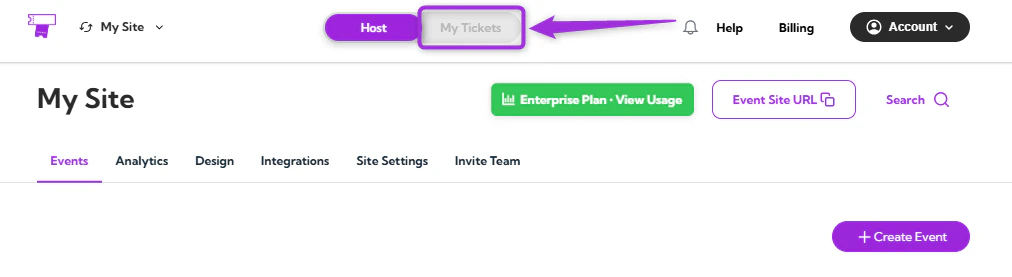
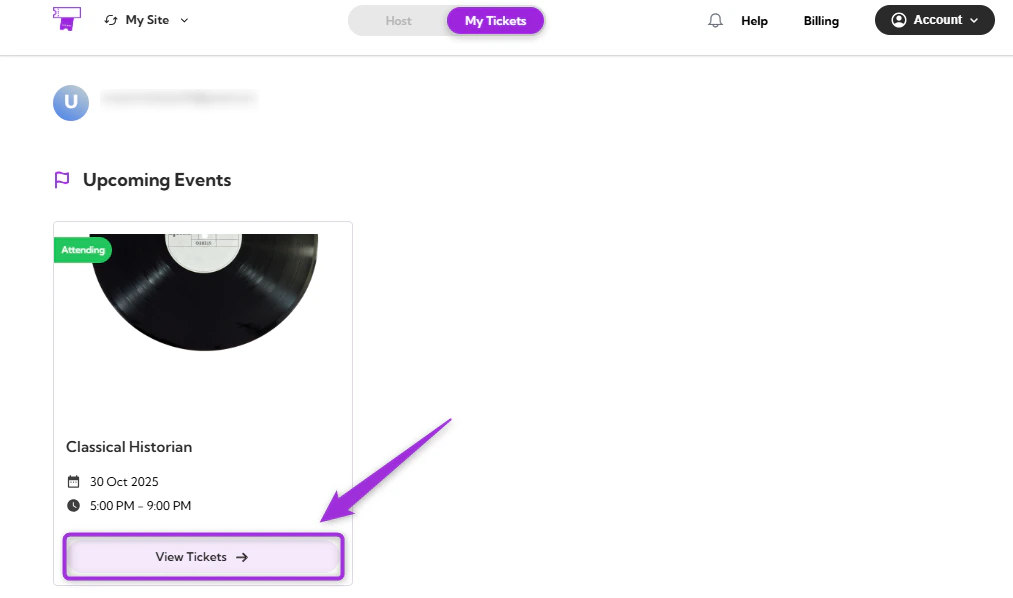
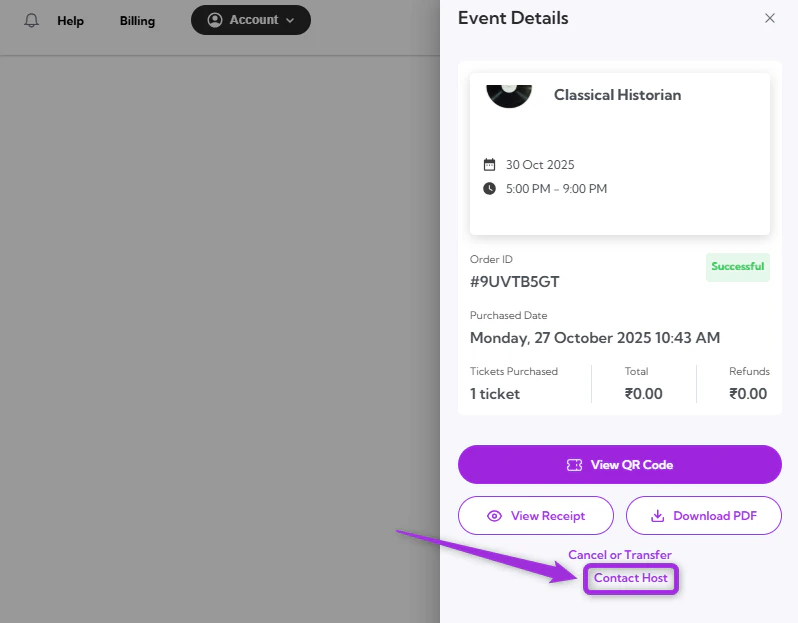
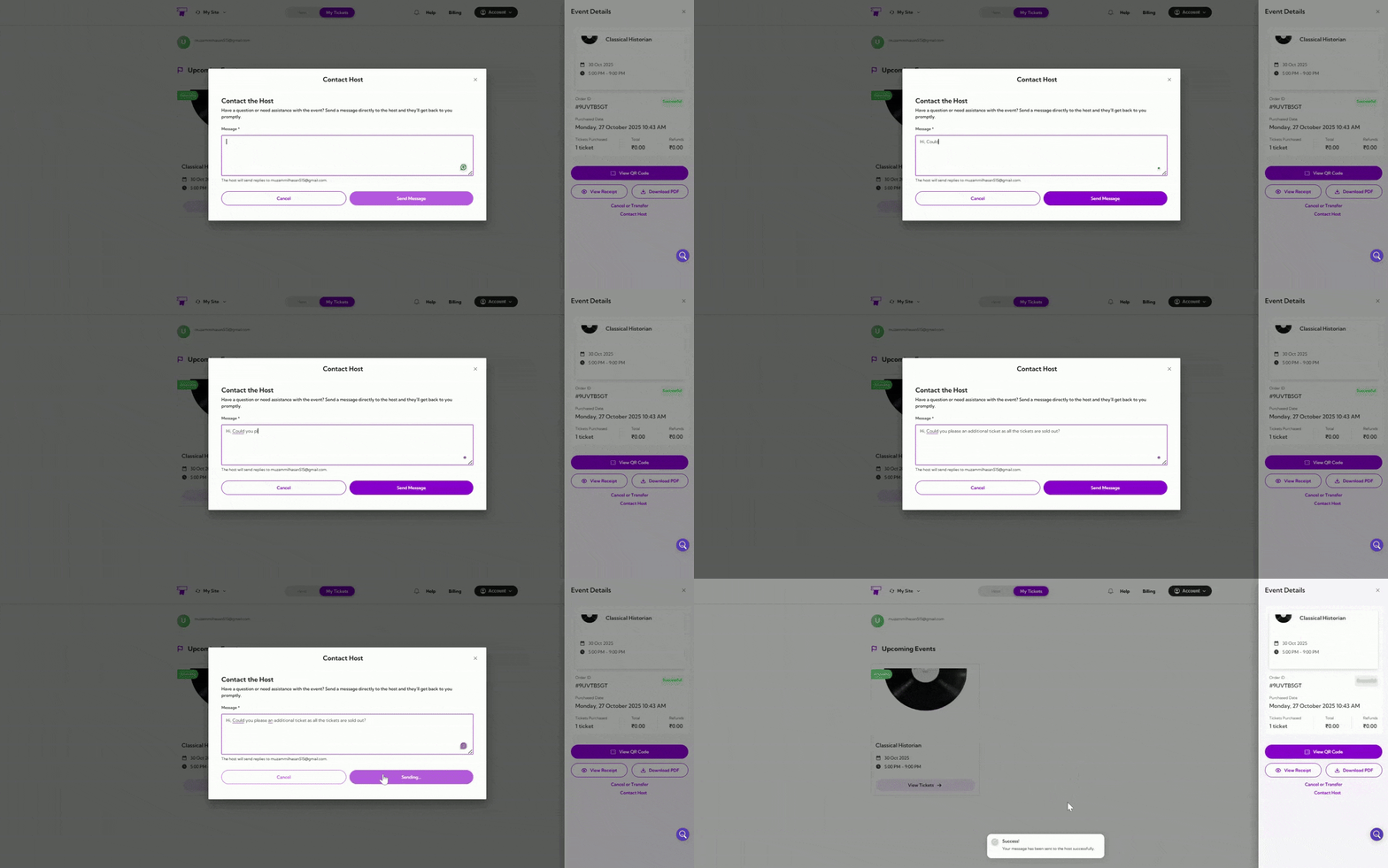
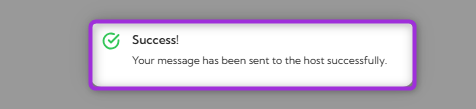
If you have any questions or need assistance with the event, you can contact the event host directly using the Contact Host feature. You can send a message to the organizer, and you’ll receive a response to your registered email address as soon as possible.Let’s get started 🚀Step 1: Log in to your TicketSpot account and click on the My Tickets tab in the top navigation bar.Step 2: You can view all your upcoming events in the Attendee Dashboard. Select the event you purchased a ticket for and click View Tickets.Step 3: Click on the Contact Host in the Event Details panel, right side of the screen, to open the message window.Step 4: Type your message in the text box and click on the Send Message to submit your inquiry. The host will respond to the email address associated with your account.A confirmation message will appear, confirming your message has been successfully sent to the host.