
Prepare the marketplace
- Configure the marketplace site’s Brand, Site page, and custom domains.
- Enable Event Submissions and customize the under-review and approval messages.
- On your Platform site, open Settings → Marketplace and enable marketplace functionality.
- Configure and save the commission model. Verify the model and expected calculation before organizers start selling.
- Share the submission link with organizers. Complete organization setup and payment onboarding for an organizer before accepting paid events.
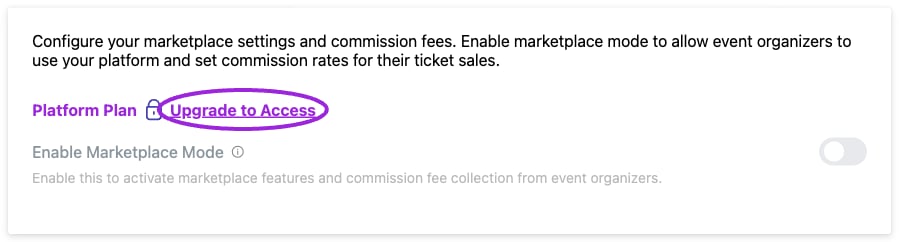
Marketplace commission controls require the Platform plan. The Demo account shows the plan requirement; public event submissions are configured separately.
Organization setup and access
In Create Your Organization, enter the Organization Name, description, contact email, logo, and brand colors, then choose Create Organization. Organizers can manage their events and team within their organization. Platform administrators can use the organization filter in Events to review an organizer’s listings. Organization membership, team roles, and event hosts serve different purposes. A host displayed on an event is not automatically an account administrator. Verify a new organizer can see the intended events and invite only the people who need access.Commission settings
The percentage for a tier is entered by you; setting a maximum amount does not calculate the percentage. For a sale in an 8% tier, a 6 commission. Review which charges form the commission base and how payment fees are handled in your marketplace agreement.
These controls do not configure recurring organizer subscriptions or every possible hybrid business model. Arrange custom commercial requirements through your Platform account manager.