Connect a Payment Provider
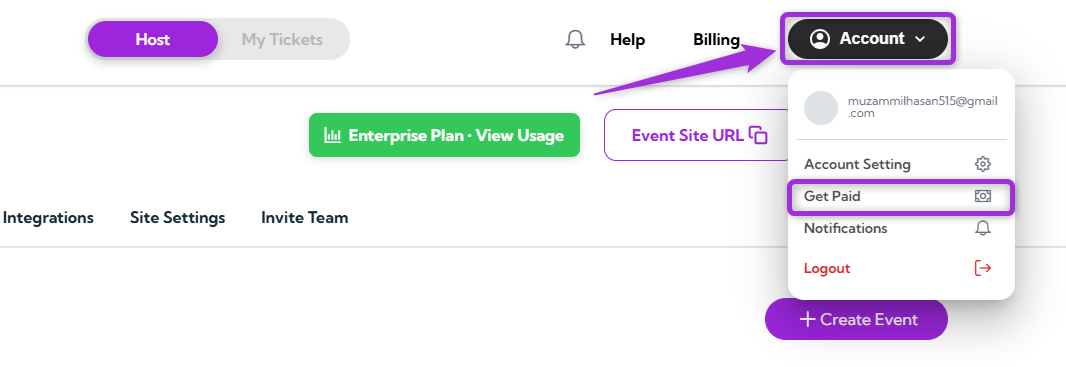
- Log in to your Ticket Spot account, click on your Profile icon in the top-right corner, and select Get Paid from the dropdown menu.
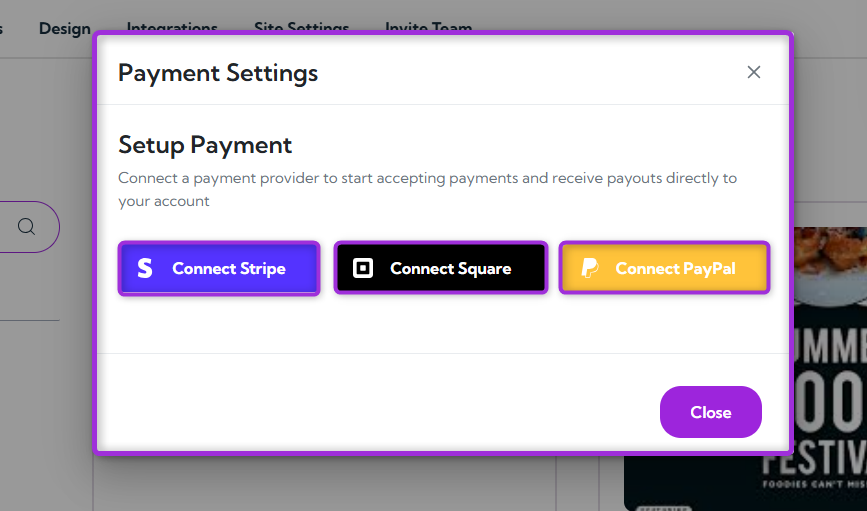
- A modal window will open, allowing you to connect a payment provider — such as Stripe, Square, or PayPal to start receiving payments for your events.
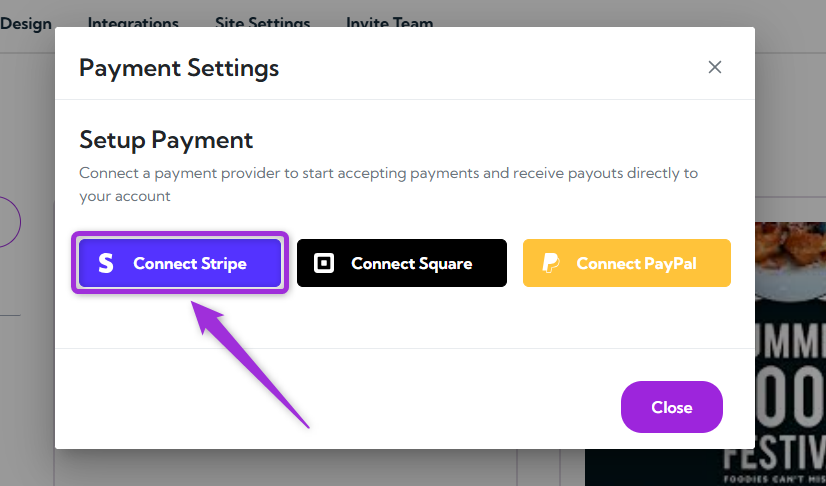
- Click Connect Stripe (or your preferred provider, such as Square, PayPal) and follow the on-screen instructions to complete the setup.