
Available integrations
OmniSend
Under Marketing Automation, choose Connect on OmniSend. Sign in to the account you want to link, review the requested permissions, and complete authorization. After returning to Ticket Spot, check the connected-account label. Configure the desired campaigns and flows in OmniSend.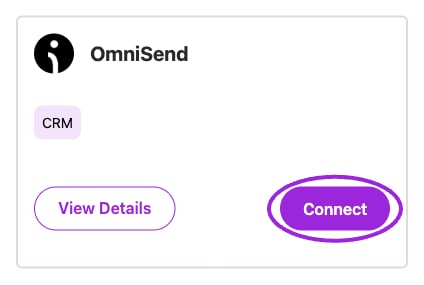
Start OmniSend authorization from its Marketing Automation card.
RegFox
Under Event Platforms, choose Connect on RegFox. In the connection form, paste an API key from the intended RegFox account and choose Connect. Check the resulting connection and imported events before relying on them in your listings.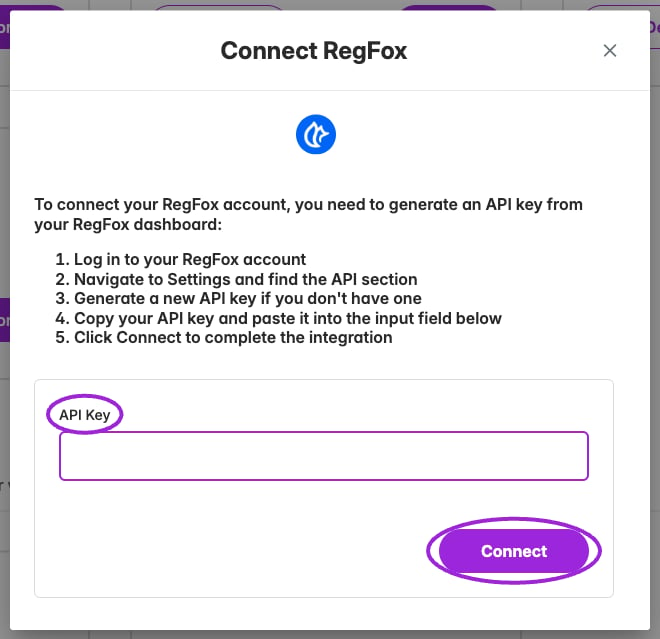
RegFox uses an API-key connection form.
Ecwid
Under Platform Integrations, choose Install App on Ecwid to open its app listing. Complete installation for the intended Ecwid store, then return to Ticket Spot and check the selected site. The installation and store configuration happen in Ecwid.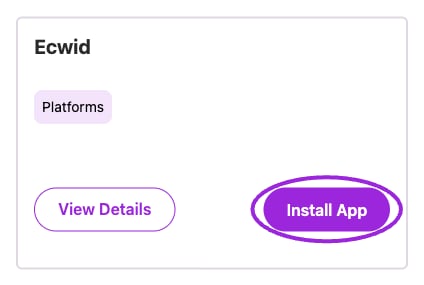
Install the Ticket Spot app from the Ecwid integration card.
Lightspeed R-Series
Under Platform Integrations, choose Connect on Lightspeed R-Series. Complete Lightspeed authorization for the intended account, then check the connected account after returning to Ticket Spot. This card is for R-Series; Ecwid has its own separate installation card.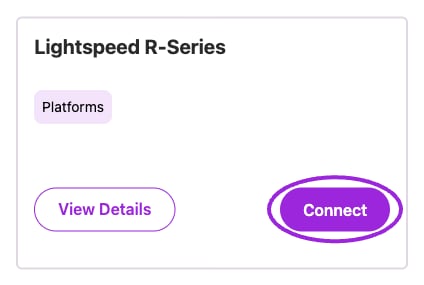
Lightspeed R-Series has its own authorization entry point.