
The calendar controls below appear for the Calendar desktop layout. The similarly named Calendar View and Full Calendar are different layout choices. Calendar display hours change the visible grid, not the event’s actual opening hours or sales windows.
Preview a long title, multiple images, an empty result, a recurring event, and a sold-out date on desktop and mobile. See layout setup for the workflow.
See the desktop, mobile and date selection controls
See the desktop, mobile and date selection controls
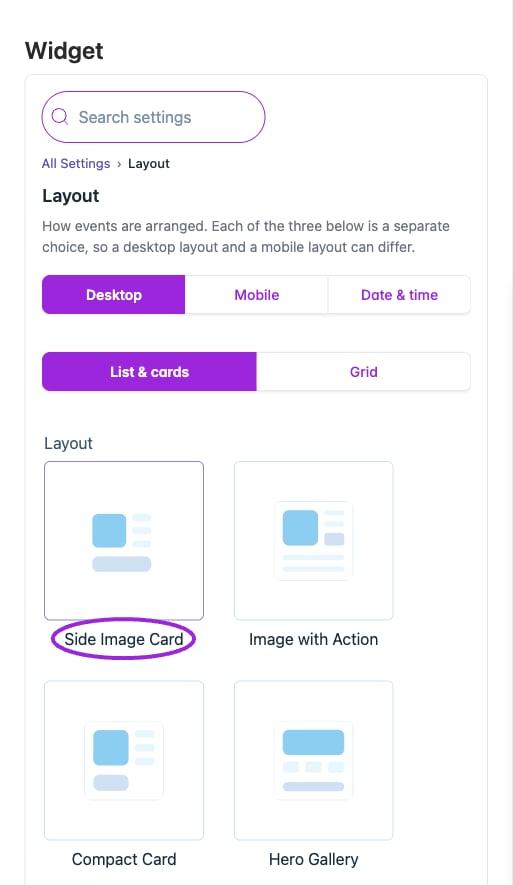
Desktop has List & cards and Grid families. Choose a thumbnail independently from the Mobile and Date & time layouts.
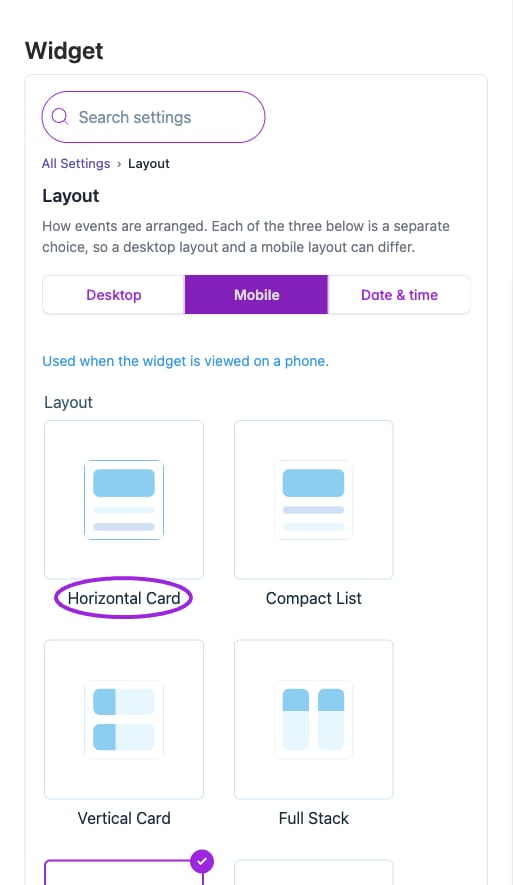
The Mobile tab selects the phone layout independently from the desktop listing. The thumbnails preview the available arrangements.
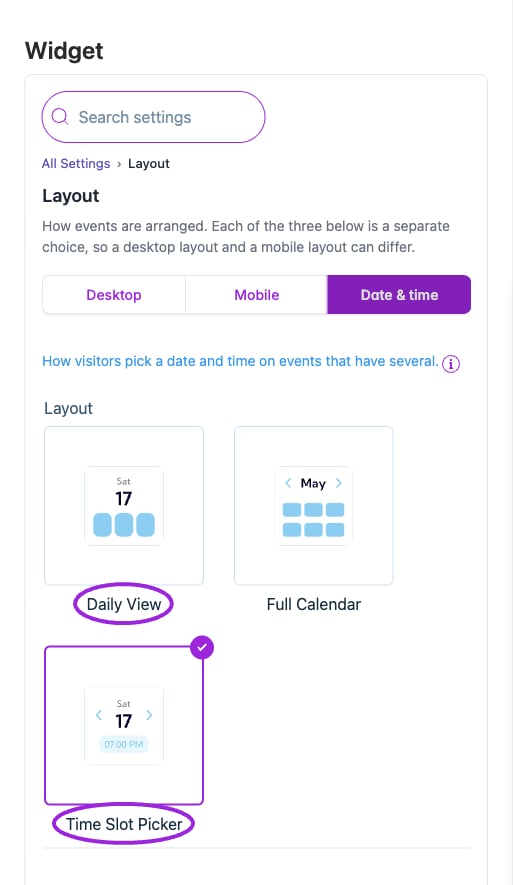
Date & time offers Daily View, Full Calendar, and Time Slot Picker as an independent layout choice.