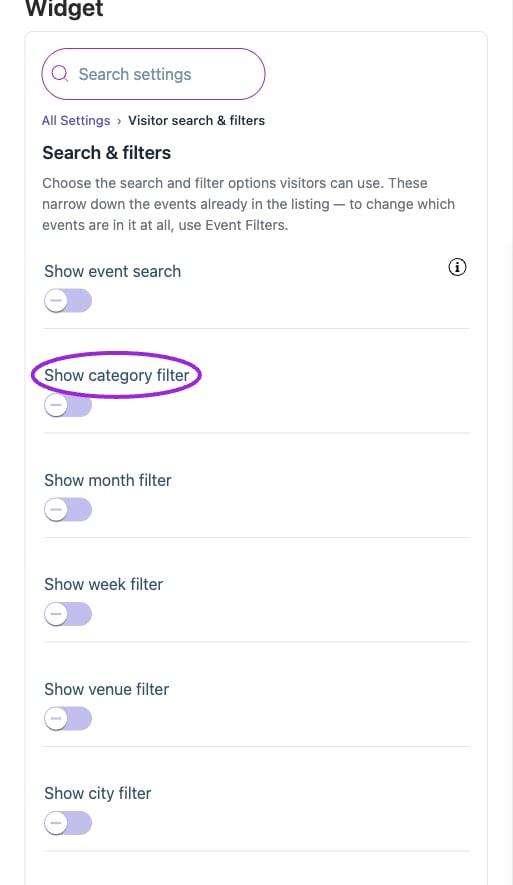
Open Design → Widget → All Settings → Visitor search & filters. Enable the controls visitors need. They narrow the events already allowed by Event Filters; they do not make excluded or unpublished events available. Edit their placeholders in Text → Search filters, and colors/fonts in Design → Customize components → Visitor search & filters. Test a matching value, no results, and clearing the selection on a phone.
Visitor search and filters narrow the events already included in the widget. Turn on keyword search and the category, date, or location filters your visitors need.
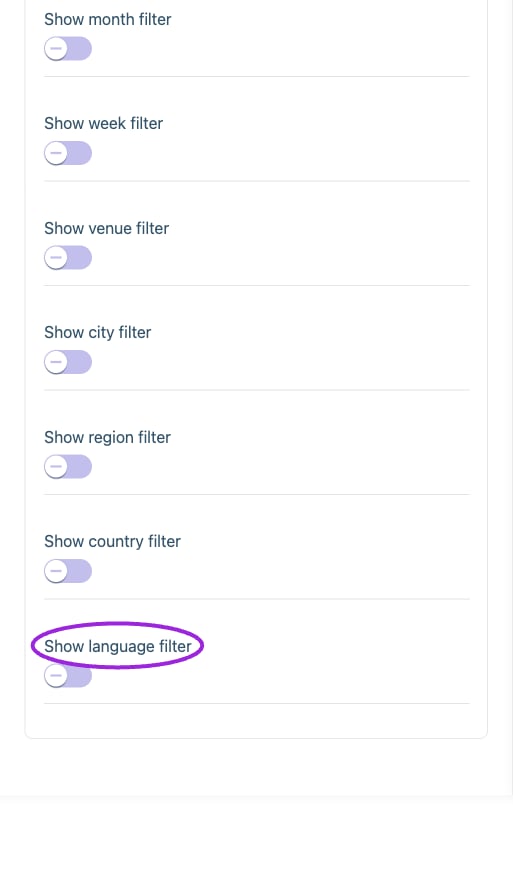
Visitor search and filters narrow the events already included in the widget. Turn on keyword search and the category, date, or location filters your visitors need.

Location and language filters use the event’s venue/city/region/country and language data. Their labels and styling are configured separately under Text and Design.

Location and language filters use the event’s venue/city/region/country and language data. Their labels and styling are configured separately under Text and Design.

Options

Save and verify

Wait for the setting update to finish, check the preview, and open the installed widget to confirm the result. If a control is unavailable, review its prerequisite, site type, and plan. Return to widget setup.