
Let’s get started 🚀
Navigation
Step 1: Log in to your Ticket Spot account and click on the Design tab at the top navigation bar.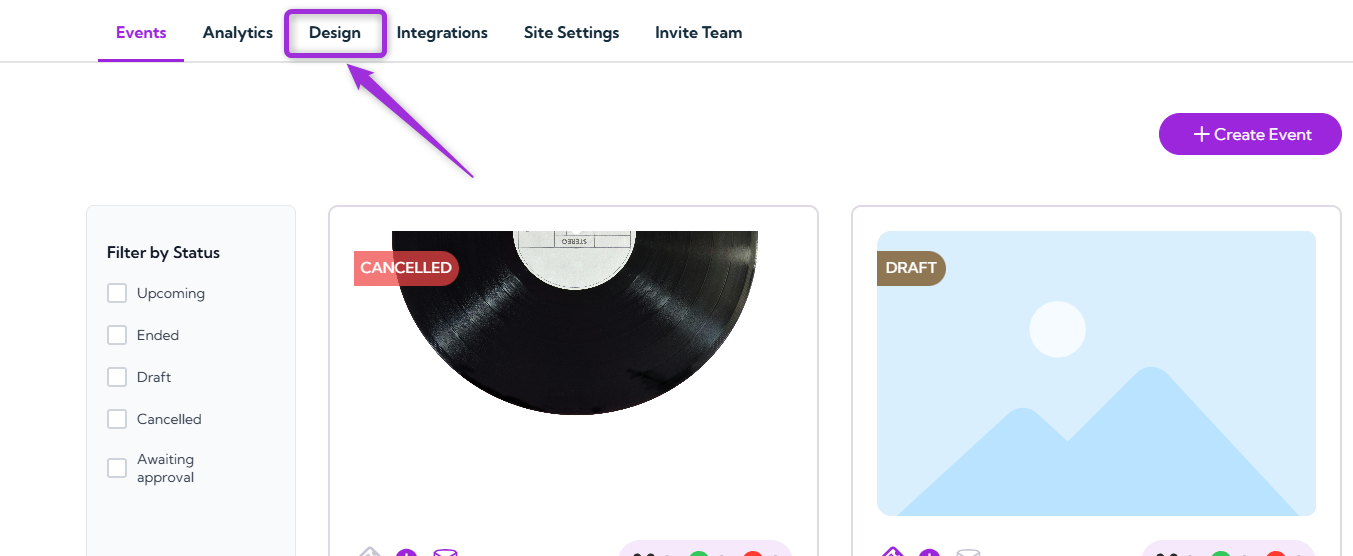
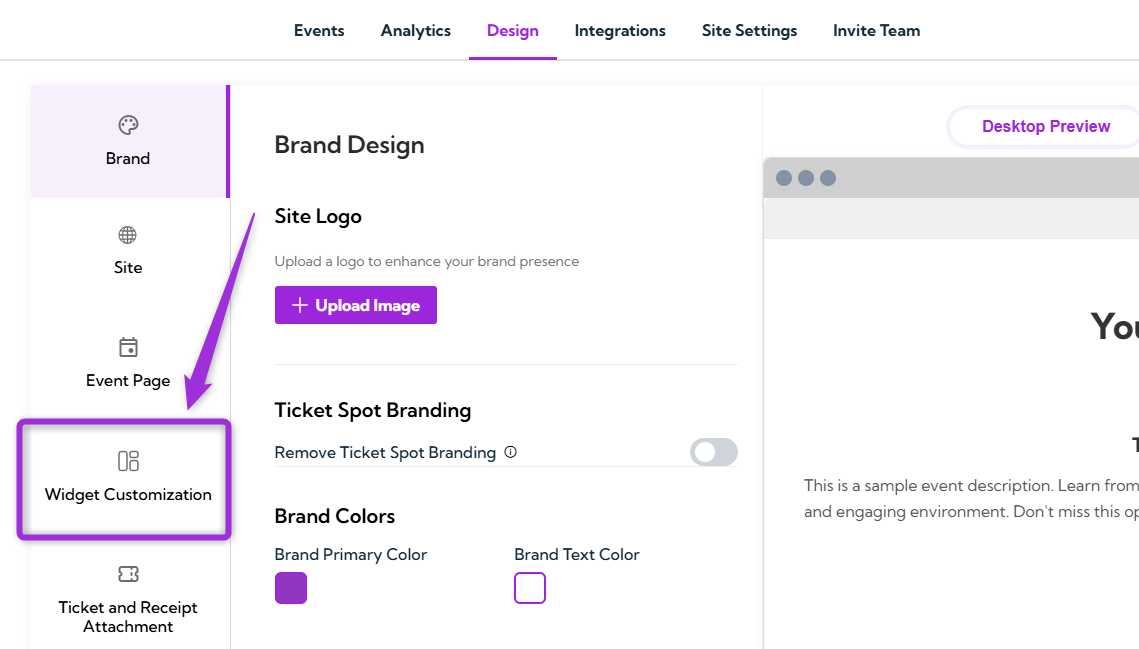
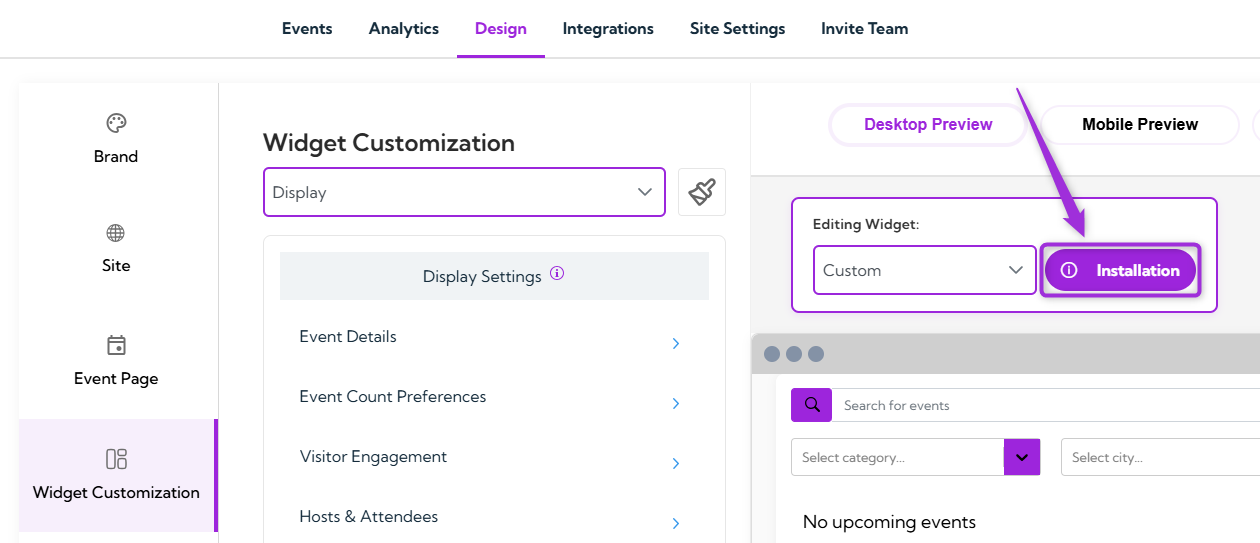
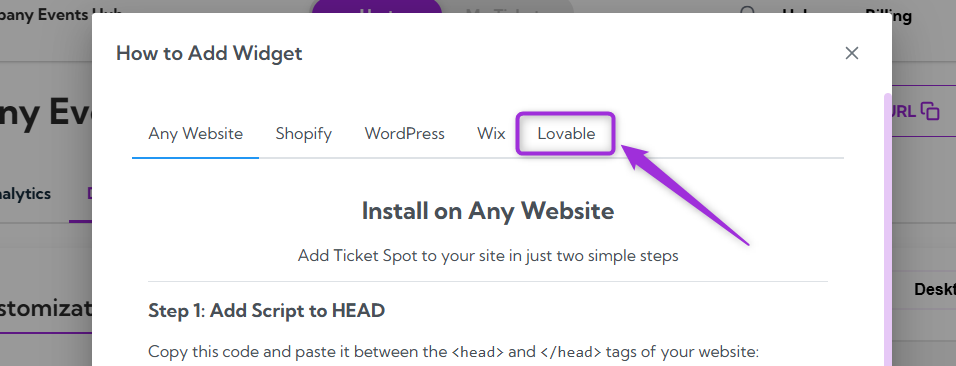
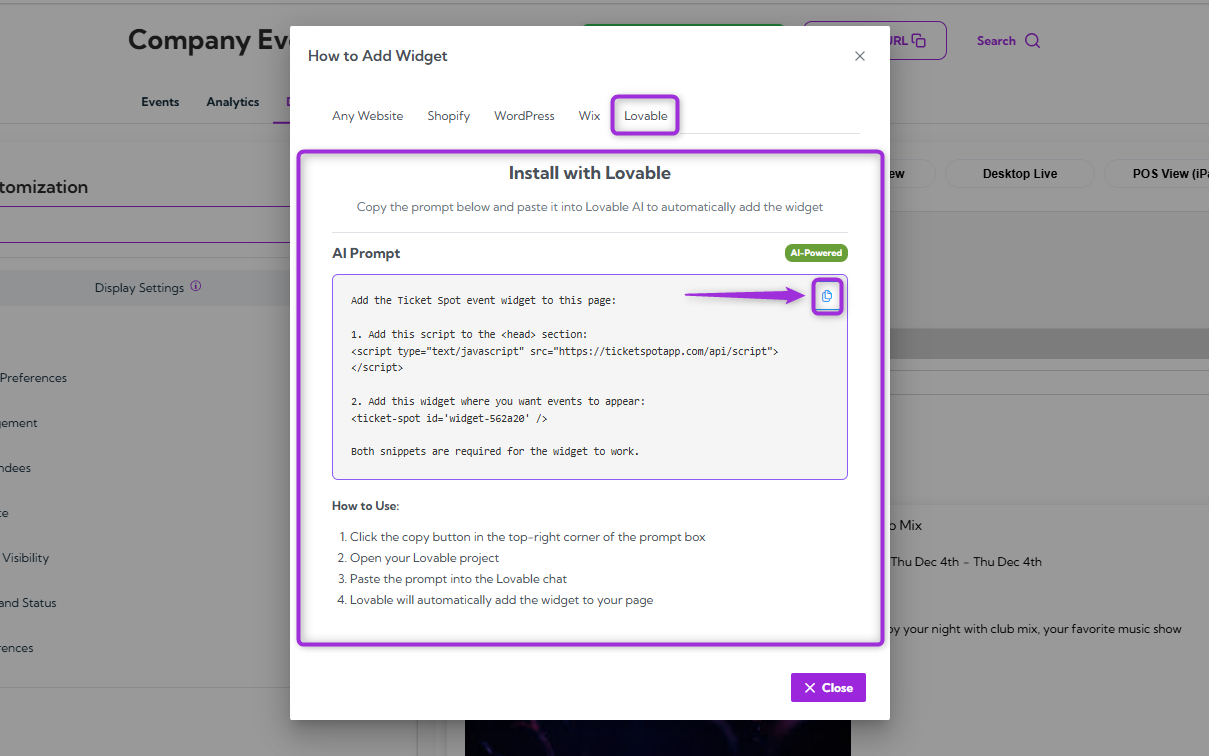
Note: Make sure you copy the prompt exactly as it appears. Do not edit or change anything, as Lovable relies on the full prompt to embed the widget correctly.Step 6: Log in to your Lovable account and open the project where you want to add the Ticket Spot widget.
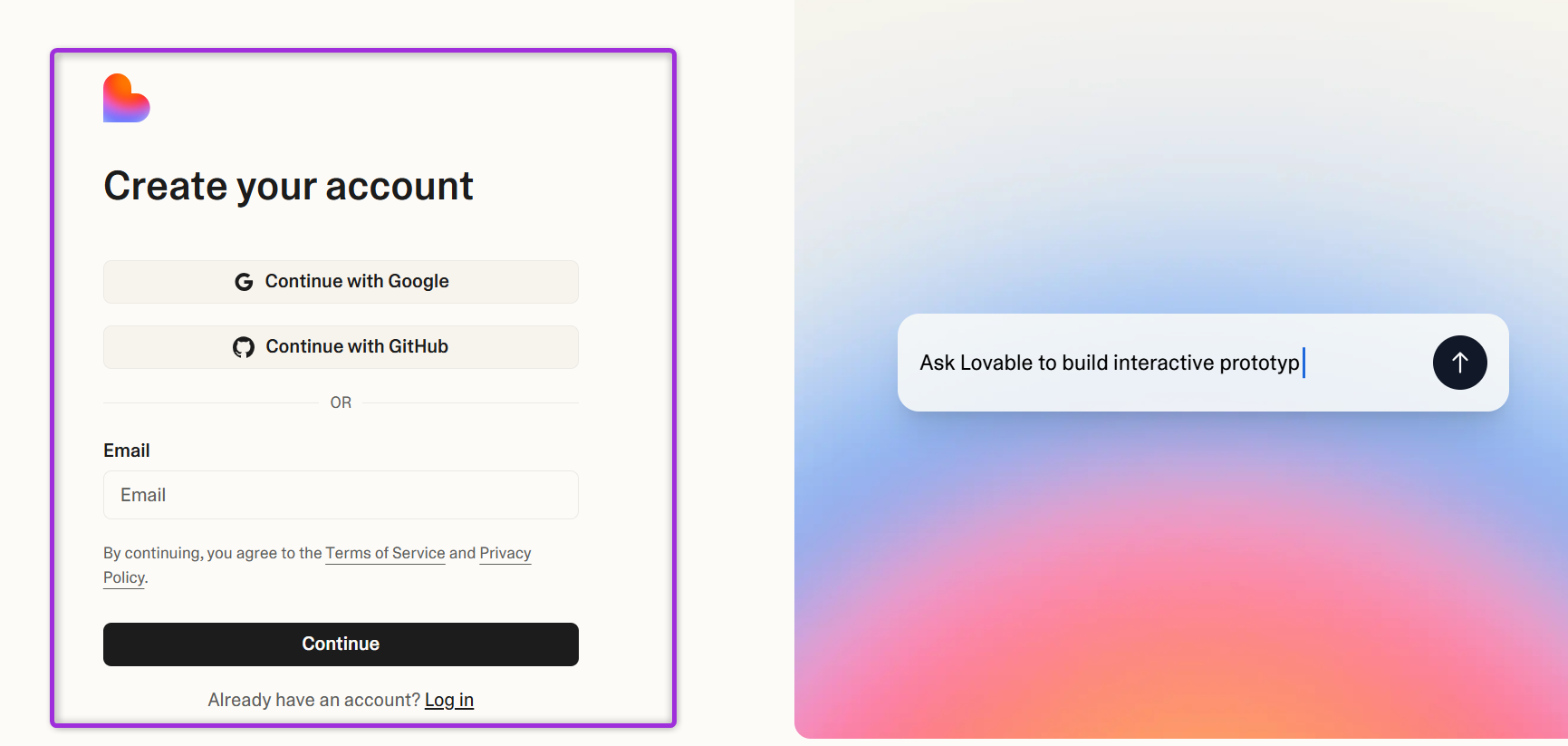
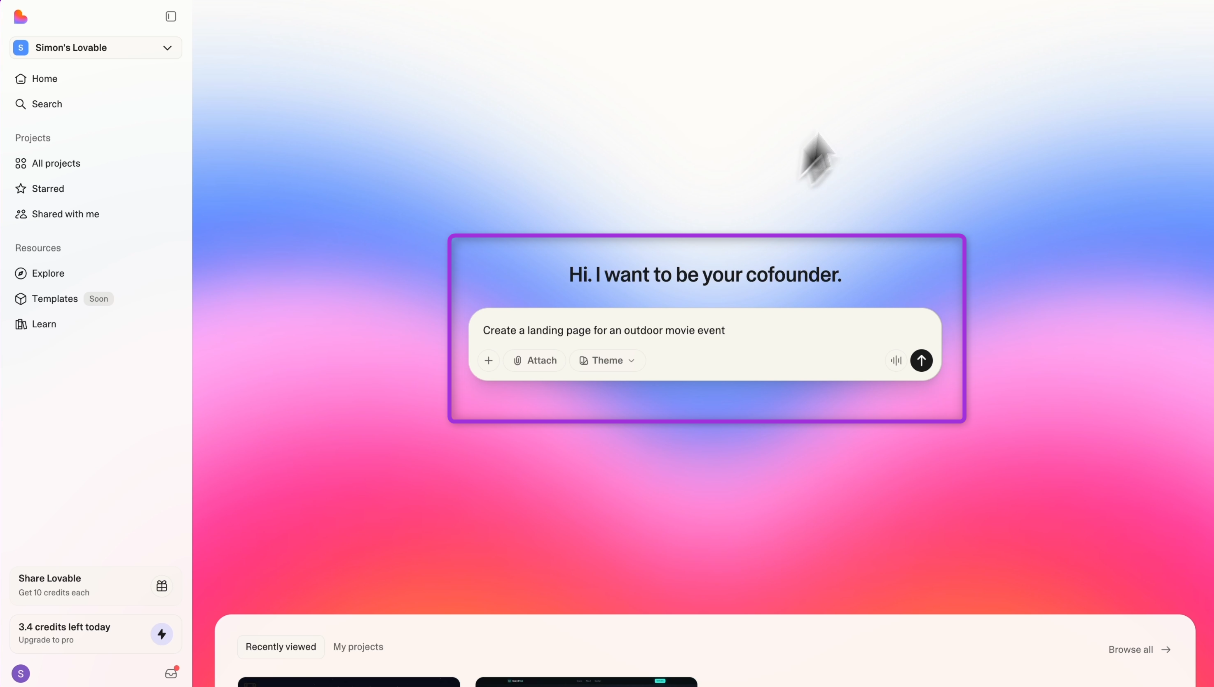
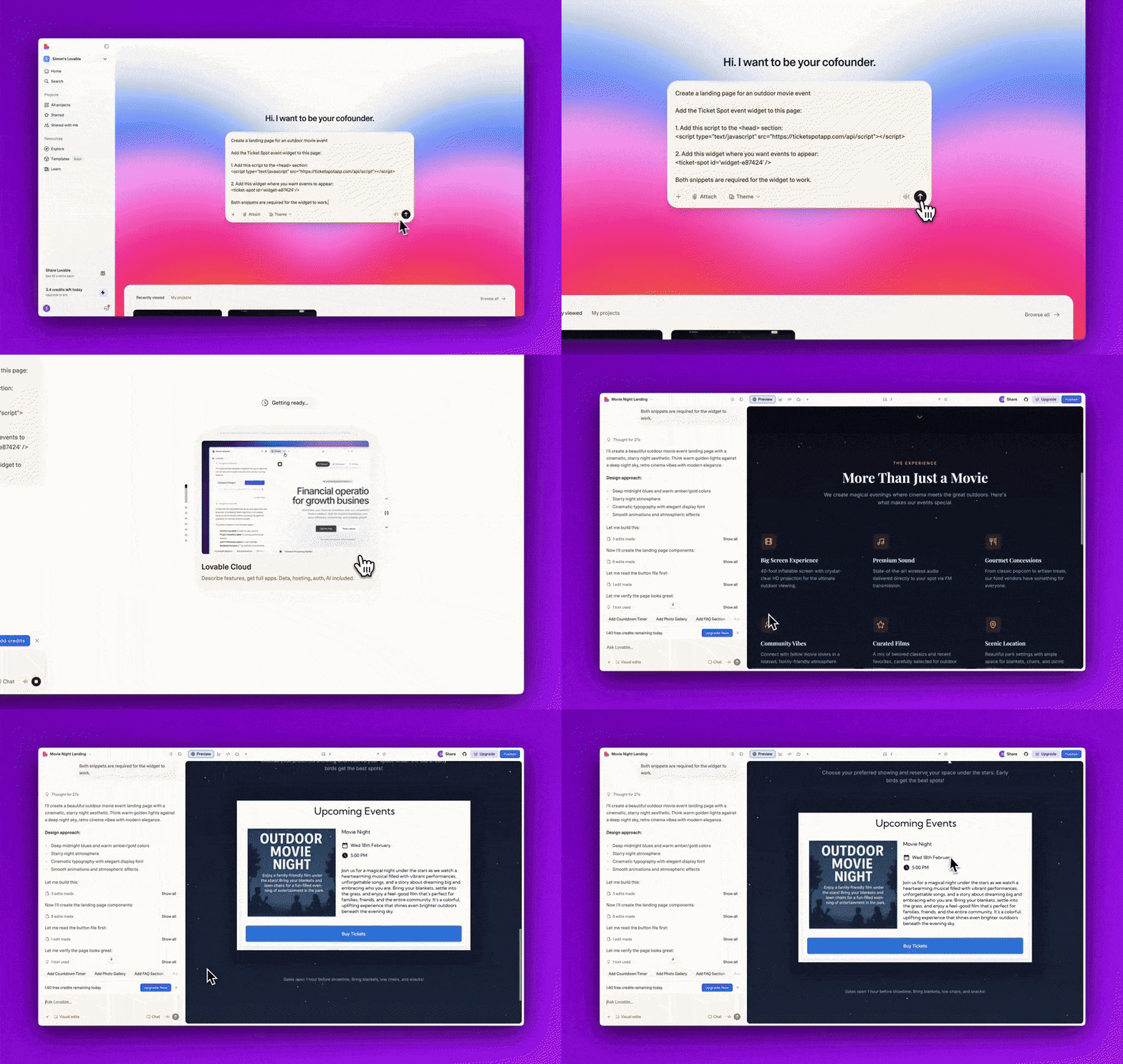
Note: If you don’t have a Lovable account yet, you’ll need to create one first. You can sign up directly on the Lovable website and follow their onboarding steps to start a new project.Step 7: Start a new chat in Lovable and describe the type of event page you want to create.
For example:
Create a landing page for an outdoor movie event.
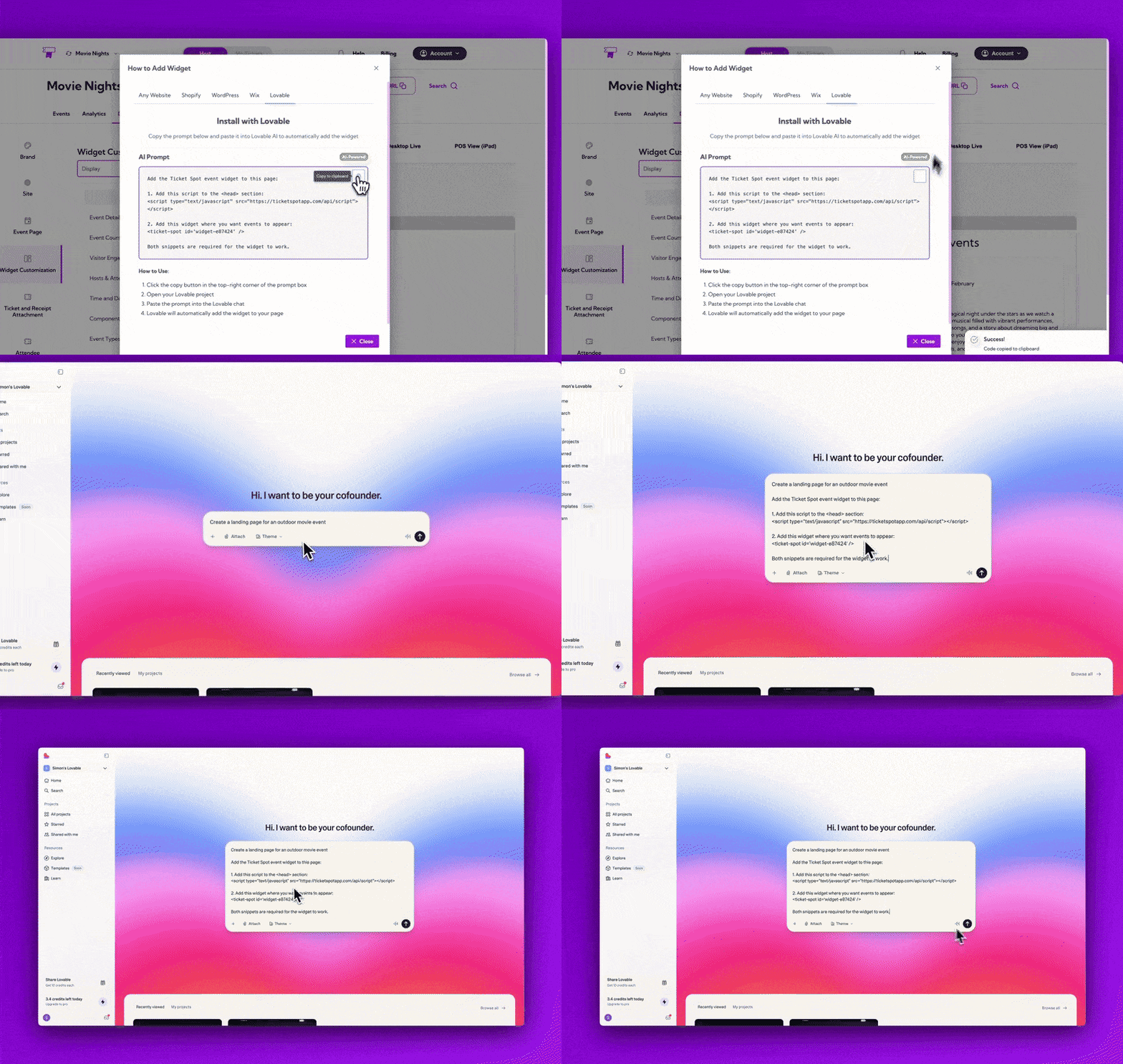
Scroll down to your generated page to see the Ticket Spot widget embedded automatically.
Checkout
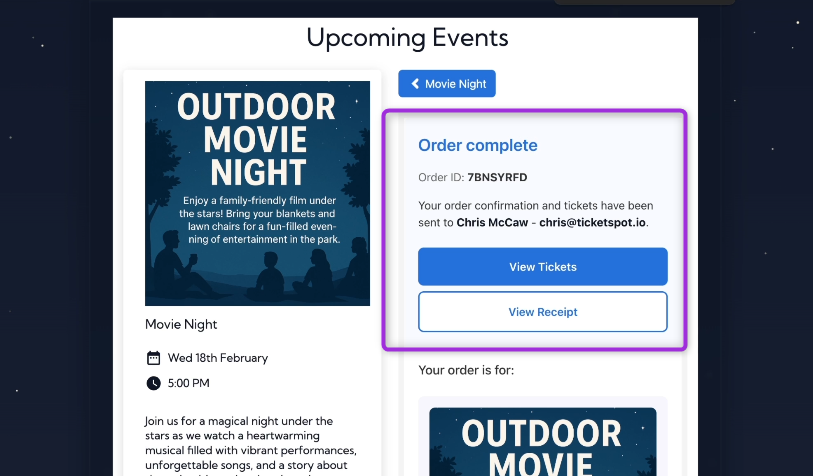
Let’s go ahead and checkout the event by purchasing a ticket directly through the embedded Ticket Spot widget. Select your ticket, enter the required buyer details, and complete the checkout process.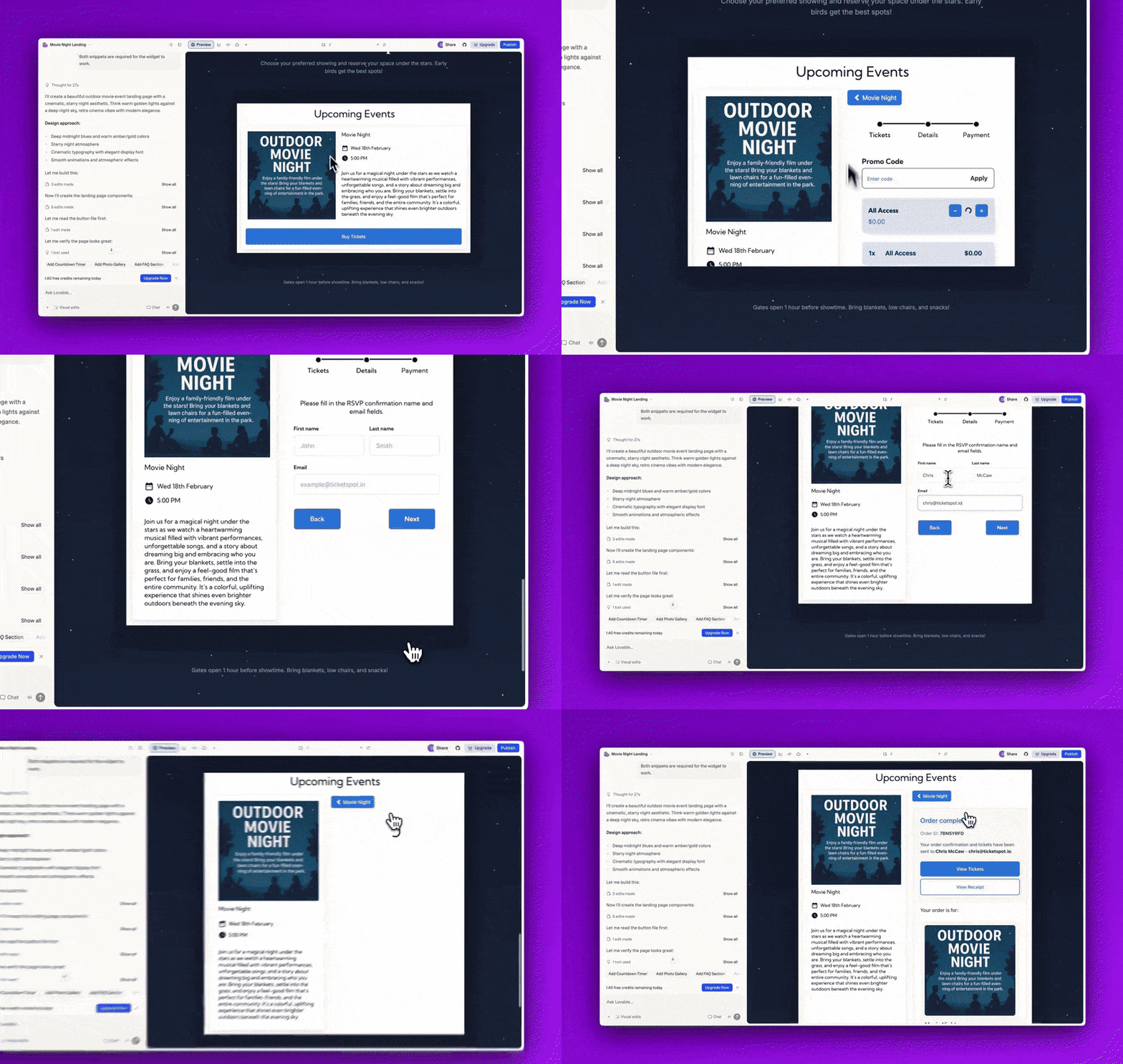
Explore Ticket Spot Features
Ticket Spot provides a complete set of tools to help you manage every part of your event—from attendee tracking to branding and analytics. Below is a quick overview of the key features you can access from your Ticket Spot dashboard:Attendee Dashboard
View all attendees, monitor ticket sales, update attendee statuses, export attendee data, and resend confirmation emails if needed.Learn more about Managing Attendees →
Design & Branding Customization
Customize ticket receipts, ticket passes, colors, labels, and email layouts. You can also remove Ticket Spot branding for a fully white-labeled experience.Learn more about: Brand Design → Ticket & Receipt Design → Attendee Communication Design →
Analytics Dashboard
Track ticket sales performance, check-in activity, arrival patterns, and see overall event trends in real time.Learn more about Analytics Overview → These tools ensure you have everything you need to run smooth, efficient, and well-designed events directly from your Lovable website.